

 FLORA
FLORA
 SPACE
SPACE
 INTERSTELLAR
 BRIGHT MIRROR
 KUZ
KUZ
ExDivo FLORA 40K Disposable Vape
$ 14.99
$ 41.99
🥳 Free shipping on all orders of 30 or more.
🥳 Free shipping on all orders of 30 or more.
🥳 Free shipping on all orders of 30 or more.
🥳 Free shipping on all orders of 30 or more.
🥳 Free shipping on all orders of 30 or more.
🥳 Free shipping on all orders of 30 or more.
🥳 Free shipping on all orders of 30 or more.
🥳 Free shipping on all orders of 30 or more.
🥳 Free shipping on all orders of 30 or more.
🥳 Free shipping on all orders of 30 or more.
🥳 Free shipping on all orders of 30 or more.
🥳 Free shipping on all orders of 30 or more.
🥳 Free shipping on all orders of 30 or more.
🥳 Free shipping on all orders of 30 or more.
🥳 Free shipping on all orders of 30 or more.
🥳 Free shipping on all orders of 30 or more.
🥳 Free shipping on all orders of 30 or more.
🥳 Free shipping on all orders of 30 or more.
🥳 Free shipping on all orders of 30 or more.
🥳 Free shipping on all orders of 30 or more.

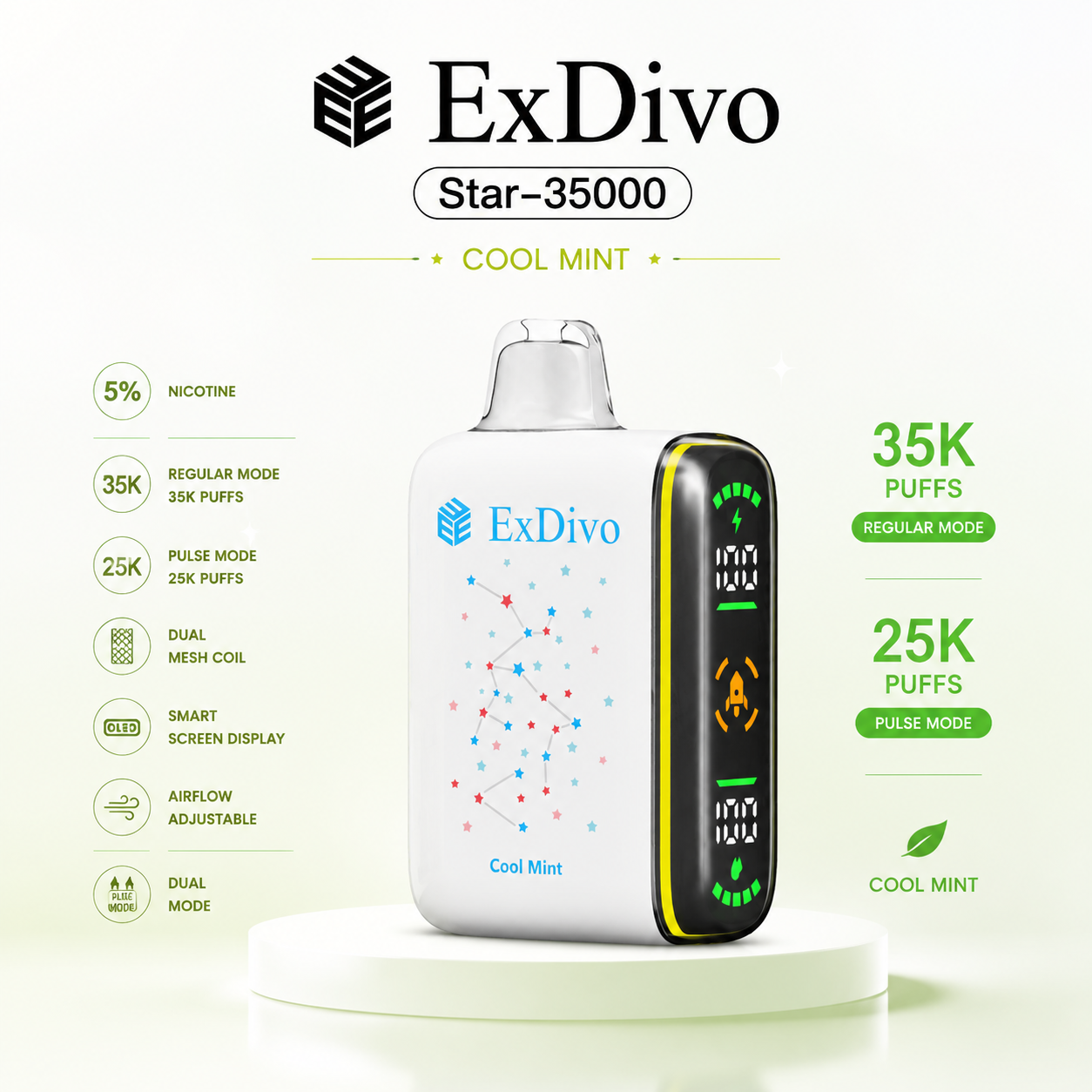
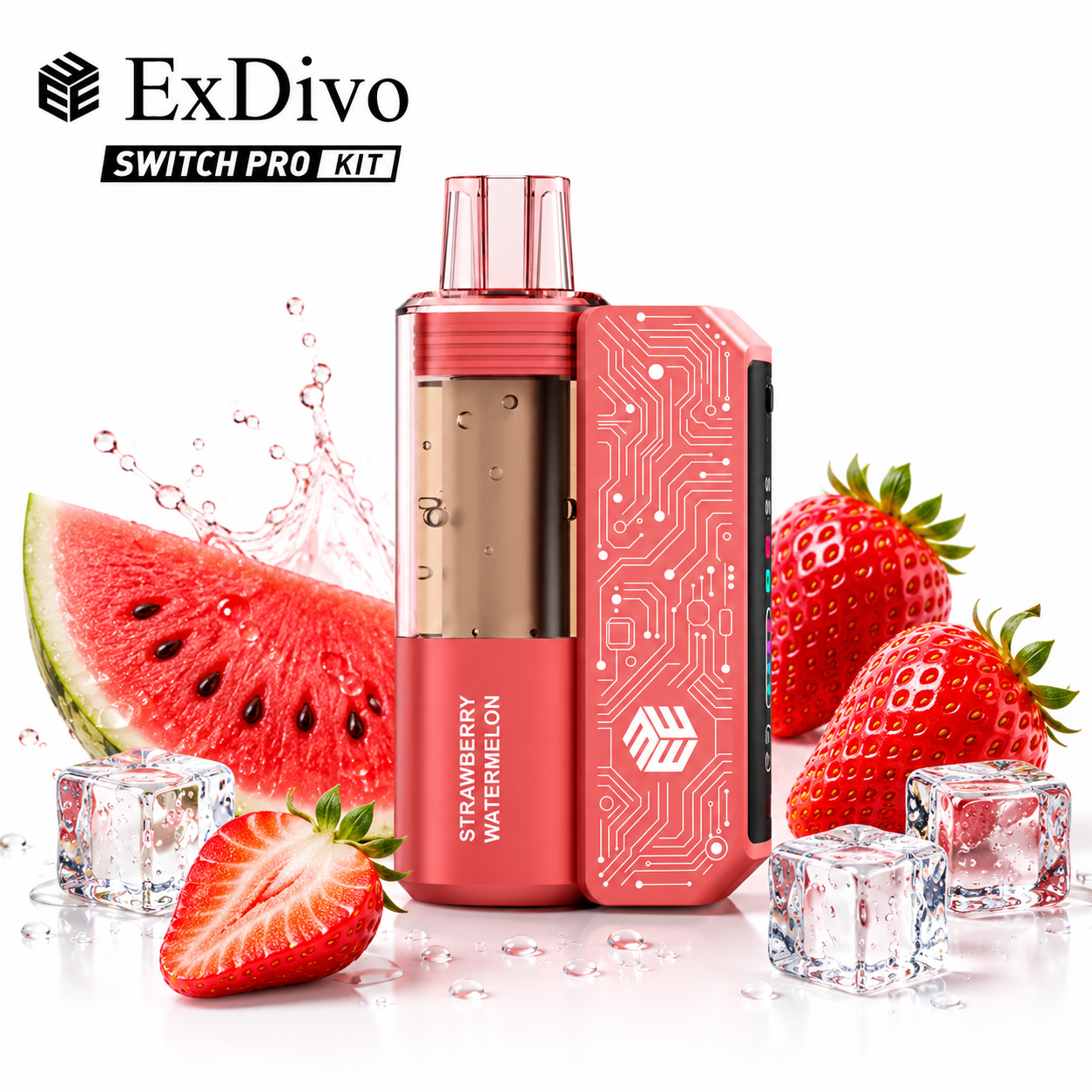
For adults of legal purchasing age only. A disposable vape screen usually shows some combination of battery level, estimated e-liquid level, charging status, puff activity, or an operating mode. The important distinction is that these readings are not equally exact: battery status comes from the device electronics, while an e-liquid meter is generally an estimate whose behavior depends on the specific model.
Use the display as a status guide, not as a guarantee of remaining puffs or a diagnosis of device condition. The product manual or listing remains the source for what each icon means on a particular device.
| What you see | What it usually means | What to verify |
|---|---|---|
| Battery icon, bars, or percentage | Approximate battery state or charging progress | Whether the value changes while charging and what “full” looks like on that model |
| Droplet, tank, bars, or percentage | Estimated e-liquid remaining | Whether the manufacturer describes it as a level, estimate, or low-liquid warning |
| Lightning bolt or moving battery | Charging is detected | The intended charging port and supported charging instructions |
| Puff number or timer | Puff count, draw duration, or recent-use feedback | Whether it is a session count, lifetime count, or animation |
| Mode label, flame, rocket, or airflow symbol | An operating, output, or draw setting may be active | The exact mode name and how the manufacturer says it changes operation |
| Blinking code or unusual icon | A warning, lock, low-power state, or device-specific condition | The model instructions; icons are not universal across brands |
A battery indicator is based on an electrical measurement interpreted by the device. Even so, it may move in steps rather than report a laboratory-precise percentage, and the displayed level can shift under load or while charging.
An e-liquid indicator has a different job. On many disposable formats it is an algorithmic estimate based on device behavior rather than a direct view of every drop inside the reservoir. Puff length, draw strength, selected mode, and normal device variation can all affect how quickly the displayed level changes. That is why two equal-looking bars should not be read as a promise of equal remaining puffs.
The practical rule is simple: trust the screen for direction—high, medium, low, charging—not for an exact forecast of how many draws remain.
For more detail about charging behavior and warning signs, see ExDivo’s vape battery safety guide.
The current ExDivo INTERSTELLAR 35K listing describes a side display screen, a 15 ml e-liquid capacity, a 650 mAh battery, Type-C charging, and two-level airflow. Those specifications explain why a screen is useful on this format: an adult user has both rechargeable-battery status and remaining-use information to monitor.
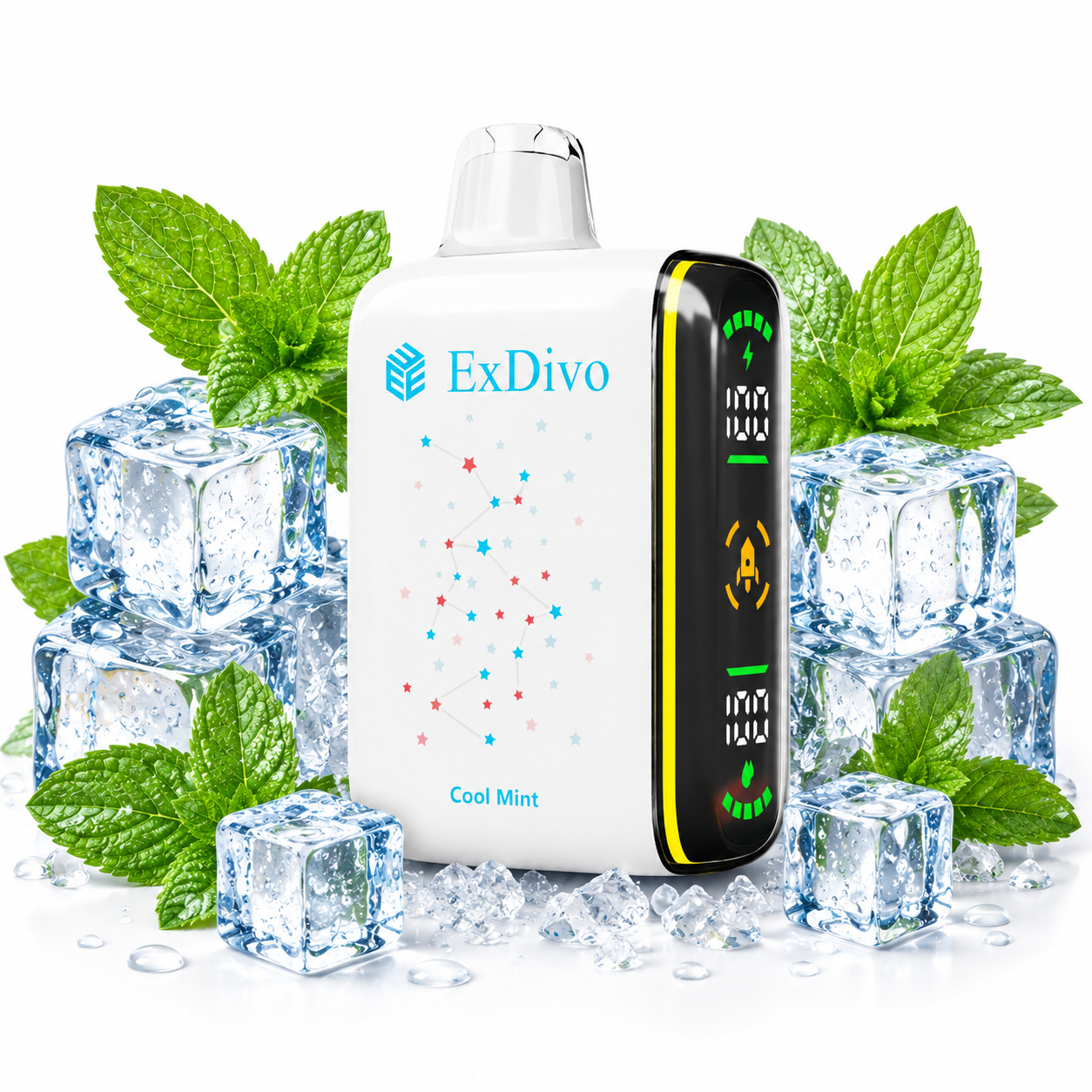
The product image visibly separates two screen areas, but an image alone should not be used to invent a universal icon definition. Check the exact variant’s current listing and instructions. You can review the ExDivo INTERSTELLAR 35K product page for its stated specifications.
| Buying question | Screen-equipped device | Simple LED device |
|---|---|---|
| Can I separate battery and e-liquid status? | Often, if both indicators are explained | Usually limited or unavailable |
| Can I see charging progress? | May show bars, a percentage, or animation | May use a color or blinking light |
| Is it easier to understand? | Yes when icons and labels are clear | Yes when simplicity matters more than detailed feedback |
| Does it guarantee more use? | No; the screen reports status | No; the lack of a screen does not define capacity |
| Which is the better choice? | The one with useful, documented indicators | The one that meets the buyer’s needs without unnecessary complexity |
If a device has selectable airflow or output modes, its screen may show a mode icon or animation. A stronger setting can change the experience and may change how quickly the battery or estimated e-liquid meter moves. The display is reporting the device’s current interpretation; it is not promising identical consumption at every setting.
If your model has adjustable airflow, use the manufacturer’s documented positions and make small changes. ExDivo’s guide to adjustable airflow on a disposable vape explains the basic tradeoffs without treating one setting as universally best.
A normal-looking display is not a substitute for checking the physical condition of the device. Do not continue using a device that is damaged, leaking, unusually hot, swollen, or behaving abnormally. Do not puncture, crush, open, solder, or modify a finished disposable vape. Follow the manufacturer’s handling information and local battery or electronic-waste disposal options.
If an icon is not documented, contact the seller or manufacturer with the exact model name and a photo of the display. Generic online symbol lists cannot reliably decode every firmware and screen layout.
They commonly represent battery and estimated e-liquid level, but the order and icon design are device-specific. Look for a lightning or battery symbol and a droplet or tank symbol, then confirm against the exact model information.
The value is generally an estimate. Longer draws, stronger modes, airflow choices, and the device’s calculation method may make it move differently from a simple linear countdown.
Battery displays can update in steps and can respond to load. A small change does not by itself identify a fault. Follow the model instructions if the reading behaves abnormally or charging does not work as described.
No. A display and a charging port describe electronic features; they do not make a prefilled disposable device refillable. Use the product only in the format stated by its manufacturer.
No. A displayed count may record activations or estimate usage, while real-world puff length and device settings vary. Treat advertised puff totals and on-screen counts as reference information rather than a personal guarantee.
Do not put it into ordinary use again by opening or modifying it. Follow local guidance for products containing a battery and electronic components.
A disposable vape screen is most useful when it clearly separates battery, estimated e-liquid, charging, and mode information. Read battery status and e-liquid estimates as different kinds of signals, confirm unfamiliar icons for the exact model, and judge the device by documented specifications rather than screen size or animation alone.